
Focused, collaborative ideation with Huddo Ideas.
Engage users, crowdsource ideas, and promote the best ones through fair, democratic voting.

Crowdsource innovation. Surface the best ideas.
Problem solving made easy.
Challenges: Pose a question, problem, or opportunity to your team or wider community. Set the context, define the scope, and invite people to contribute their ideas.
Idea Collection: Gather ideas from across your organization. Contributors can submit solutions, suggestions, or concepts in response to your challenge—all in one place.
Configurable Voting Methods: Choose the voting style that fits your needs. Options may include simple upvotes, ranked voting, or weighted scoring, depending on your goals.
Promotion Workflow: Define what happens when an idea wins. Set up stages to review, approve, and move successful ideas forward into action.
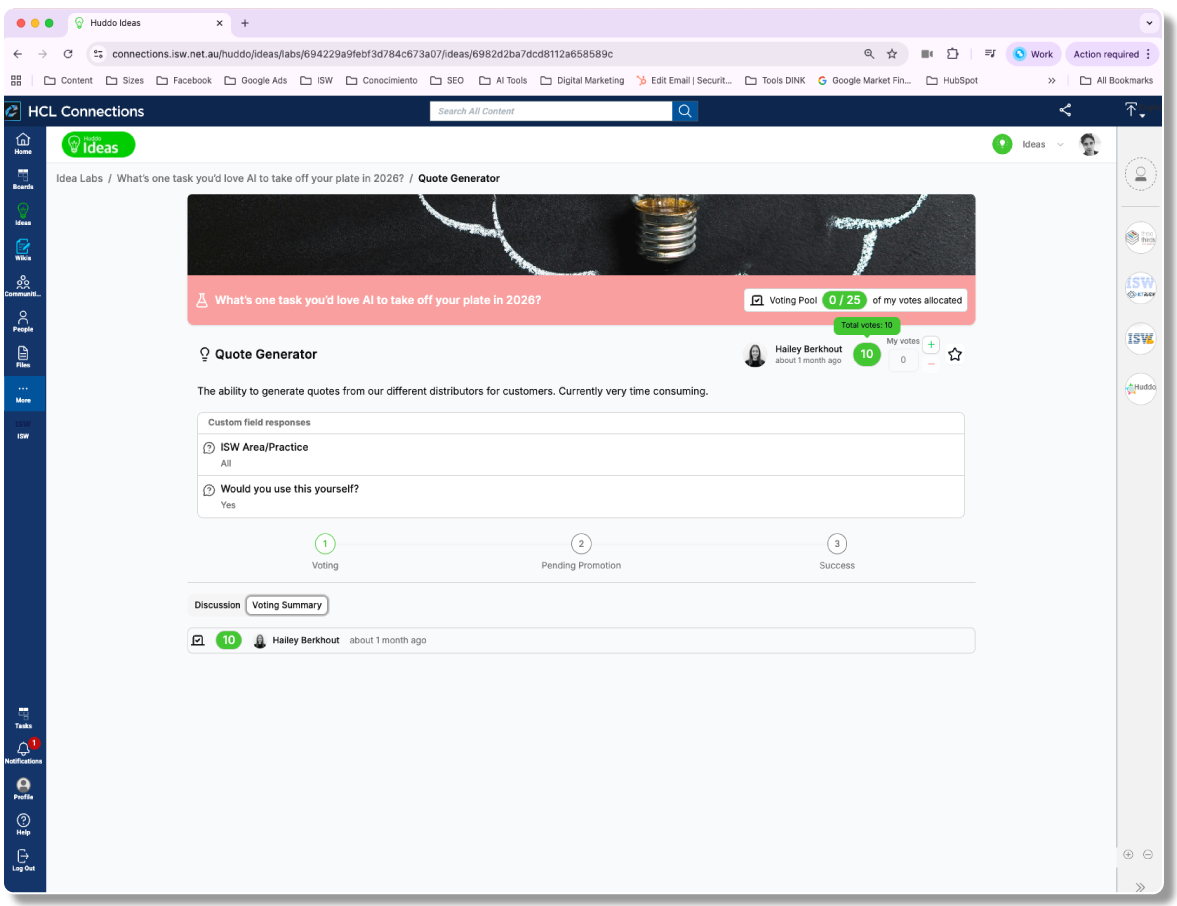

Huddo Ideas supports webhook integration with tools like Power Automate and Huddo Boards. Automatically trigger workflows when an idea is promoted as successful—create tasks, notify teams, or update systems without manual steps.
From Idea to Action
Successful ideas automatically trigger workflows—no manual steps needed.
Big ideas. Simple tools.
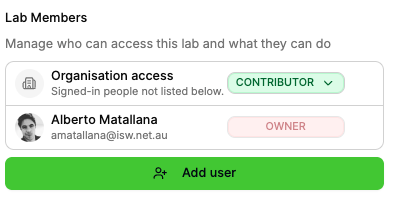
Managing
Lab Member Roles (Owner, Contributor)
Organization-wide or Individual Access
Visibility & Membership Controls
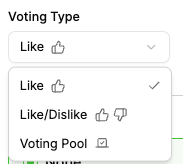
Voting
Like, Like/Dislike, or Voting Pool
Vote Justification Comments
Democratic Decision-making
Transparent Results
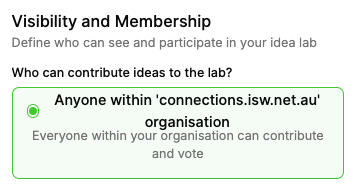
Collecting
Organization-wide Participation
Private Groups or Public Sharing
Centralized Idea Gathering
Open or Invite-only Access
Configuring
Visibility & Membership Controls
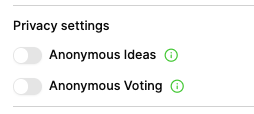
Anonymous Ideas & Voting
Custom Fields
Promotion Workflows
Start simple. Scale your innovation.

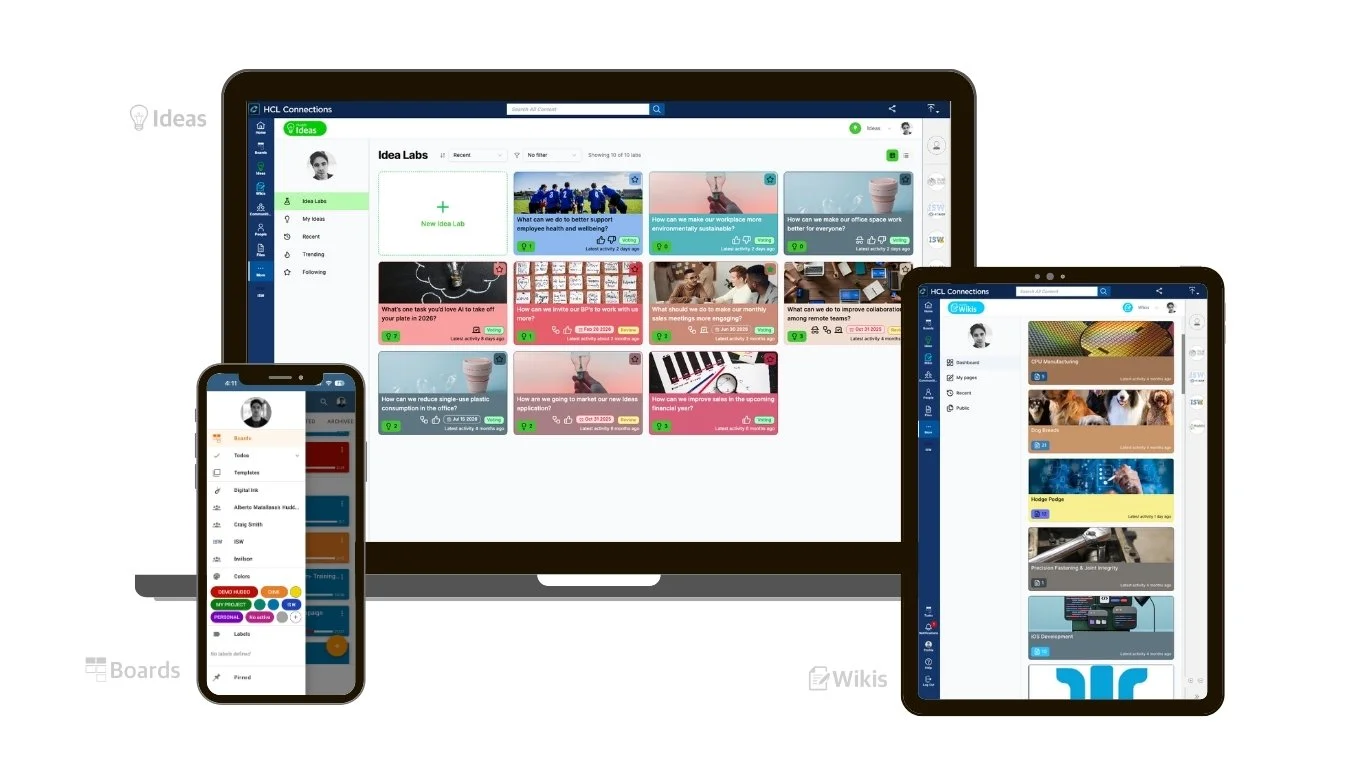

Huddo Suite is developed and supported by ISW, an Australian technology company with over 26 years of experience delivering enterprise software and digital workplace solutions.

Project Management Tool

Innovation & Ideation Tool

Knowledge Management Tool
More of Huddo Suite