
Features
Organise tasks, track progress, and collaborate seamlessly—right where your teams already work.

Project management.
Done simply.
Create and organise tasks.
Set dates and dependencies.
Assign members and resources.
Add descriptions, files, and comments.
Filter, aggregate, and get updates.
WHILST integrating with existing IT infrastructures
✓ HCL Connections, Domino, DX
✓ Microsoft Teams for Office 365
✓ PLUS easily invite external collaborators.
Huddo Boards is an everyday app for everyday people.
To use, well, every day!
What makes Huddo Boards different?
You can embed Huddo Boards and projects directly in MS Teams, HCL Connections, and HCL DX.
It’s integrations beyond just notifications.
You can switch between 4 project views at any time, with each user working in their preferred view.
It’s centralised collaboration with personal preferences.
Huddo Boards is a light-weight and simple app that focuses on the core activities of project management.
It’s productivity 101, done affordably.
Huddo Boards is free for 20 Projects and 200 Tasks.
No credit card. No commitment.
Just sign up today.
47.54K sessions per day | An everyday task application for everyone
Huddo… is it me you’re looking for?
Why choose Huddo Boards?
Due Dates
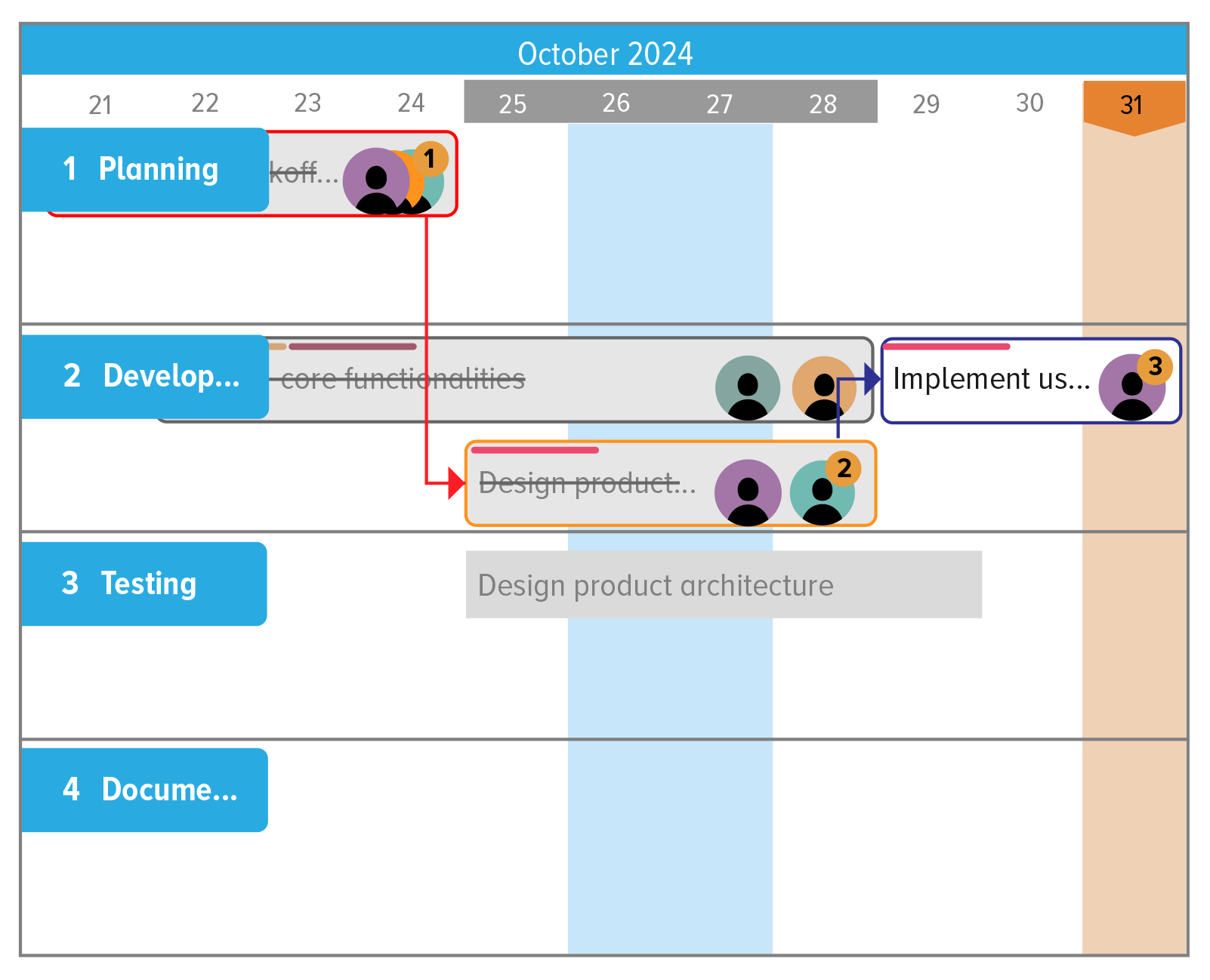
Deadlines are a key component of many projects. Set Start and End Dates to Projects, Tasks, and Subtasks.
Aggregate tasks by due dates, view deadlines across timelines and set Task Dependencies to keep projects on track.
Set and control Notifications, and see in-app prompts on tasks due and overdue.
Templates
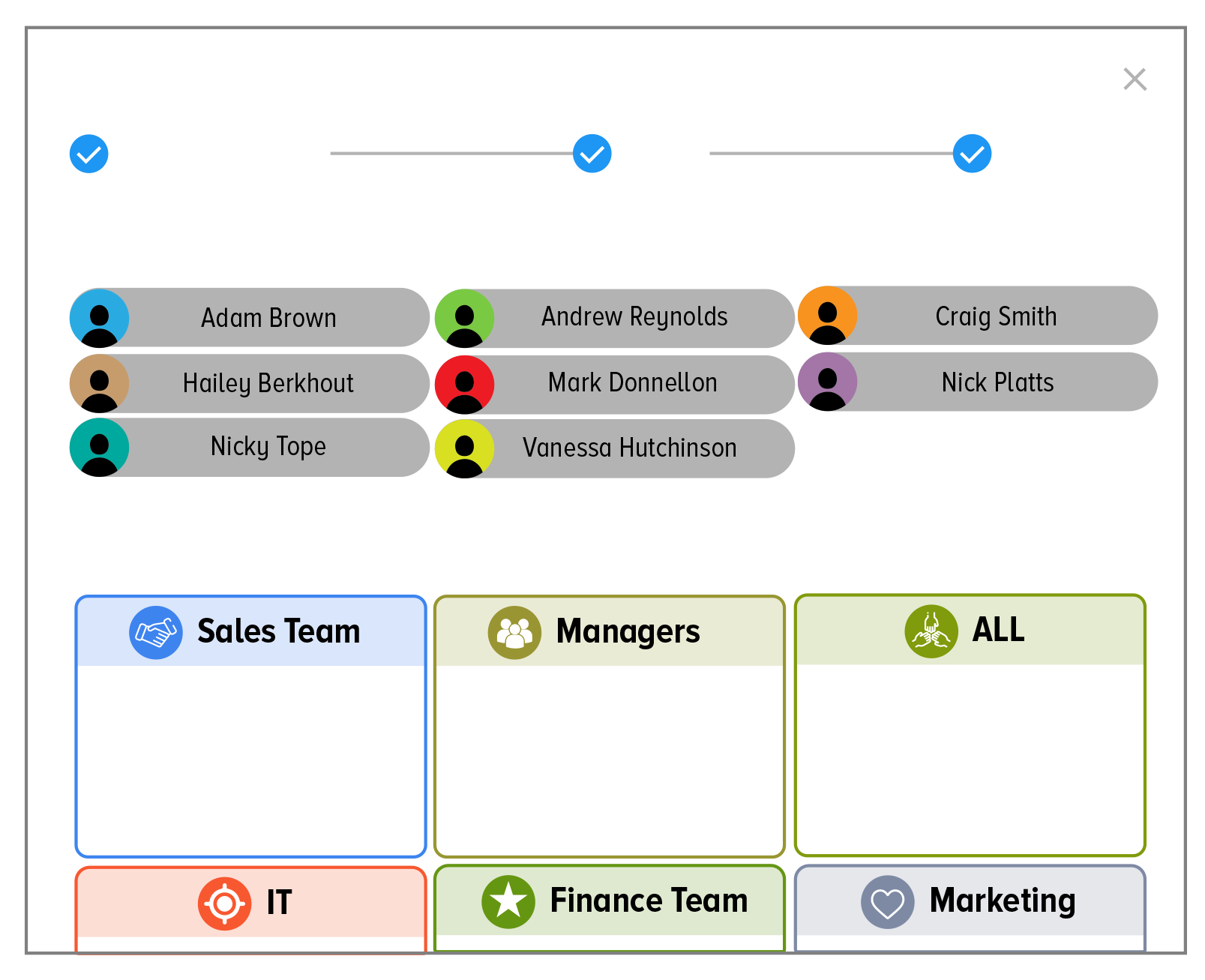
Some projects happen more than once or happen in more than one department. Save time by reusing projects with Copy Board and creating Custom Templates.
Create templates with preset Roles, meaning you can assign different members to common roles.
Filters
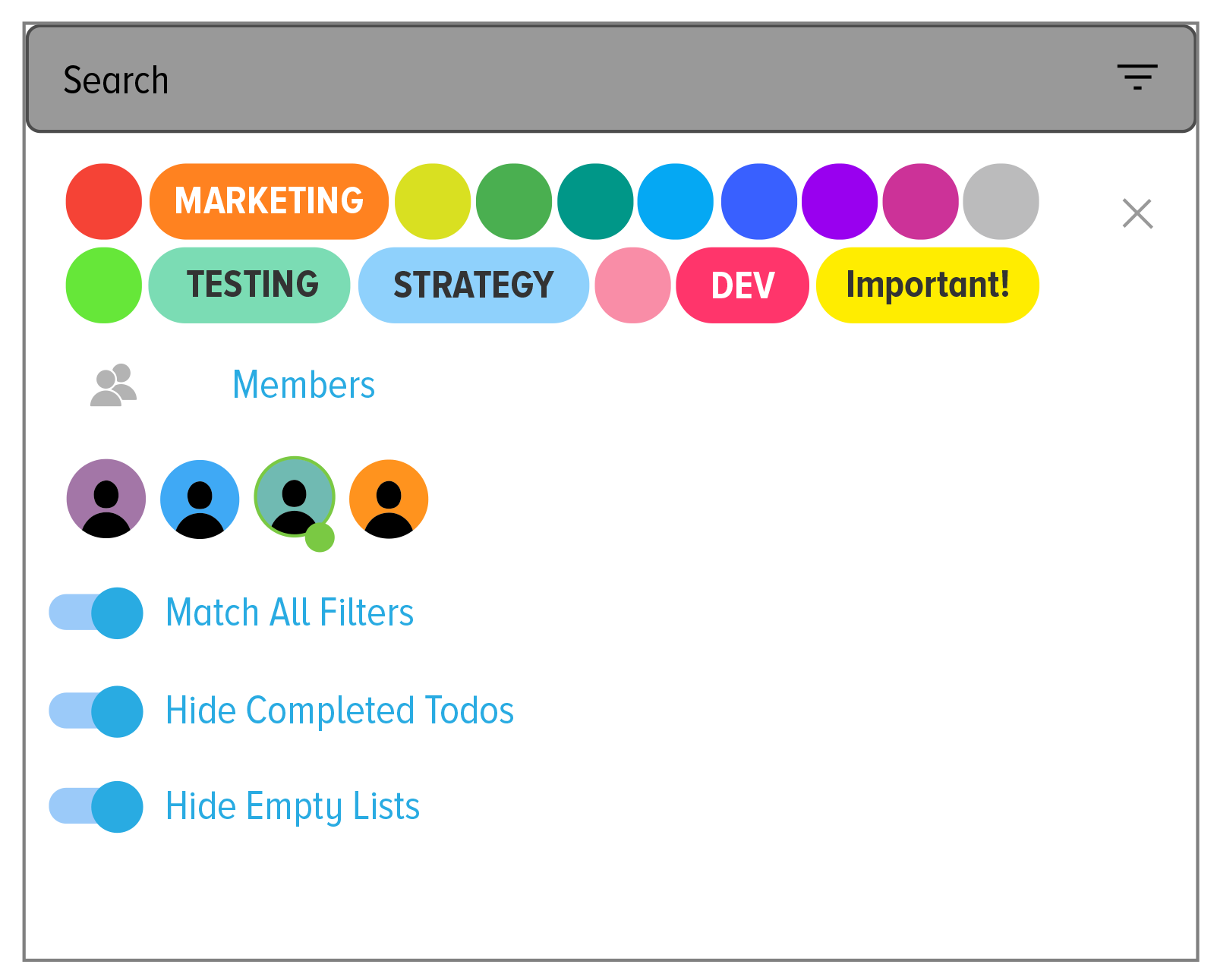
Big projects and big teams create a lot of tasks. Filter on member assignments, colour labels, and hide empty lists and completed tasks to get a clear view of what’s important.
Aggregate views by members and colours to resource plan and find bottlenecks.
Create Unlimited Colours for tasks and projects, even creating colours from HEX codes.
Notifications
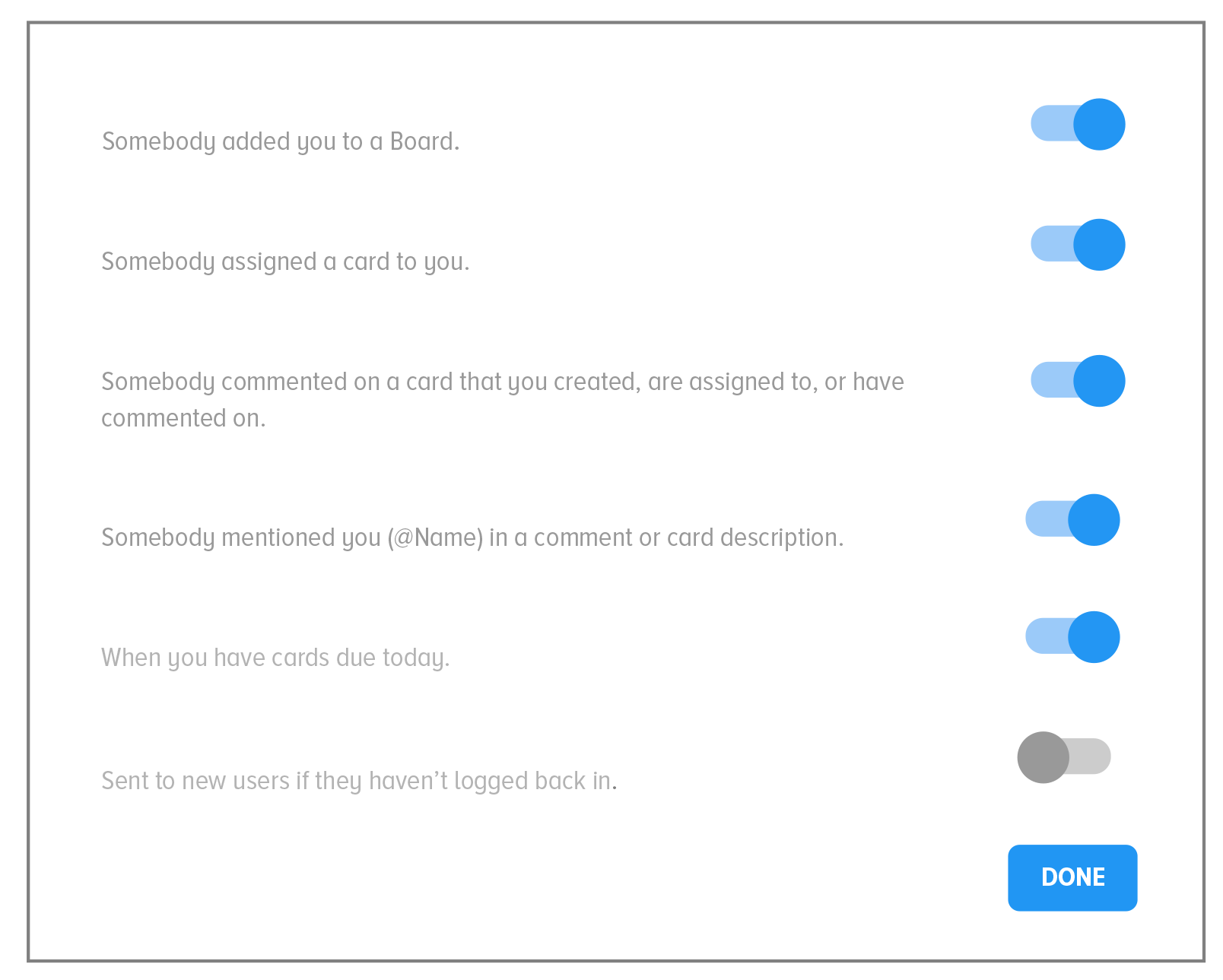
Take full control over Notifications and what you are notified on, and create your perfect balance of being informed vs being distracted.
Get notifications in-app, by email, and directly to the Activity Streams of Microsoft Teams and HCL Connections.
Comments
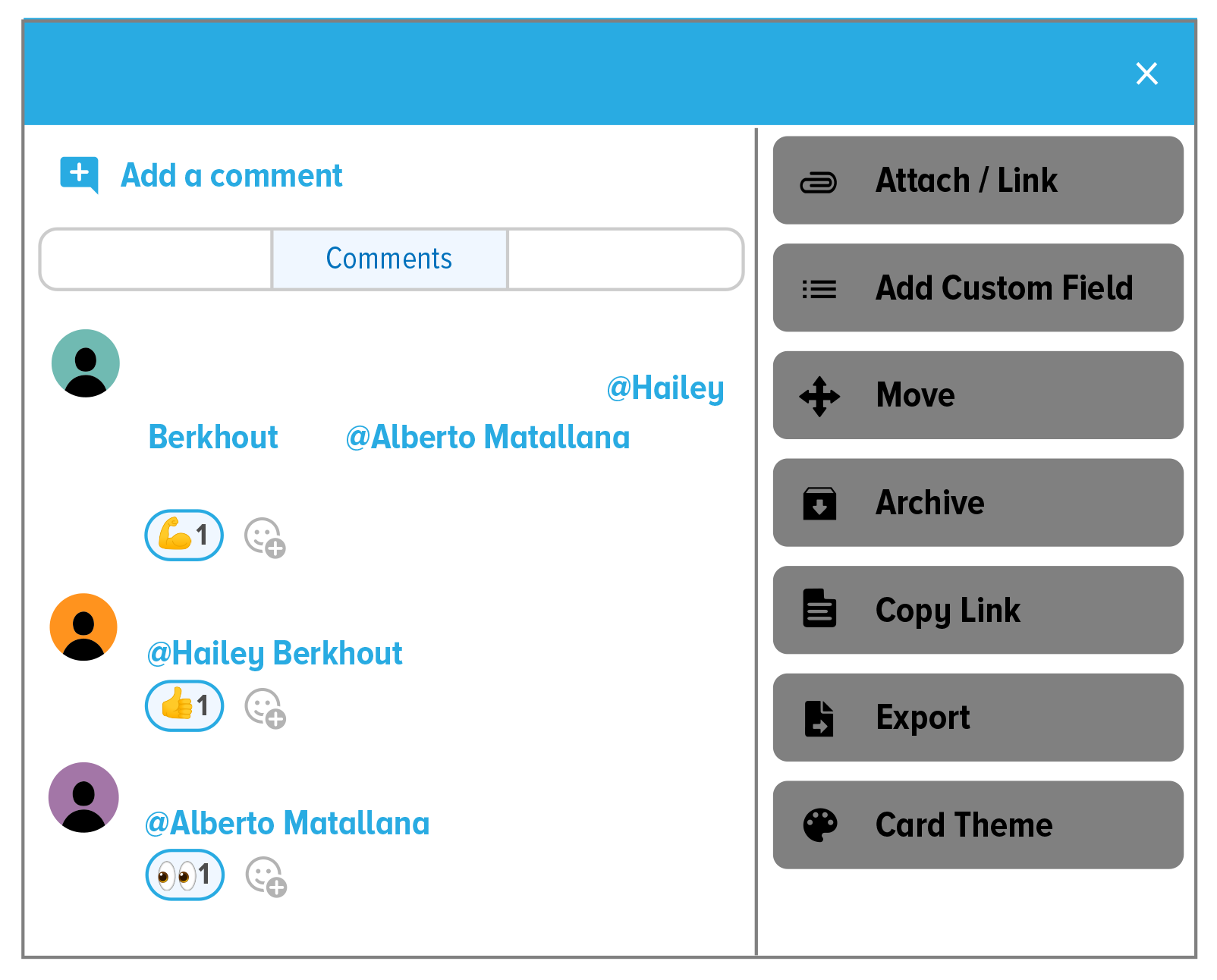
Collaboration requires communication. Talk to colleagues directly within Huddo Boards by adding Comments on tasks and projects.
@mention colleagues for direct communication and create in-app and email Notifications.
Add emojis to comments to bring a bit of personality into your communications.
Todos

Everyone has multiple projects. Collect all your tasks across all your projects in Todos.
Update task deadlines, and access task options/details and projects directly from Todos.
Filter Todos to show a subset of projects, and/or tasks assigned to you or created by you, to expand and reduce your view as necessary.
Labels & colours
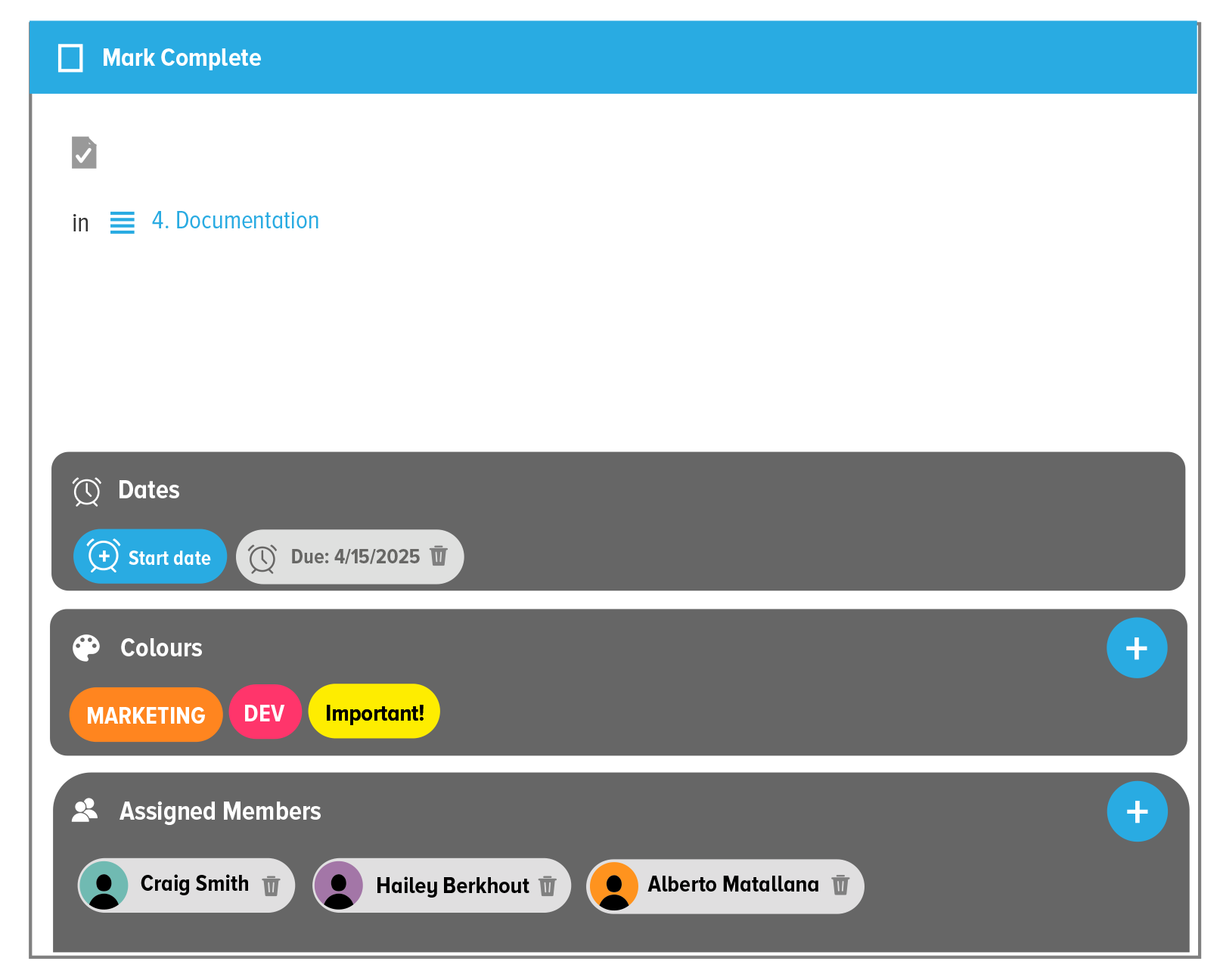
Distinguishing cards helps to visualise task importance and creates themes and groups. Adding named Colour Labels helps add quick context to your tasks.
Add colour and Non-Colour Labels to projects, and search, filter, and group tasks by colours and labels.
See labels on all tasks, across all views.
Copy & paste
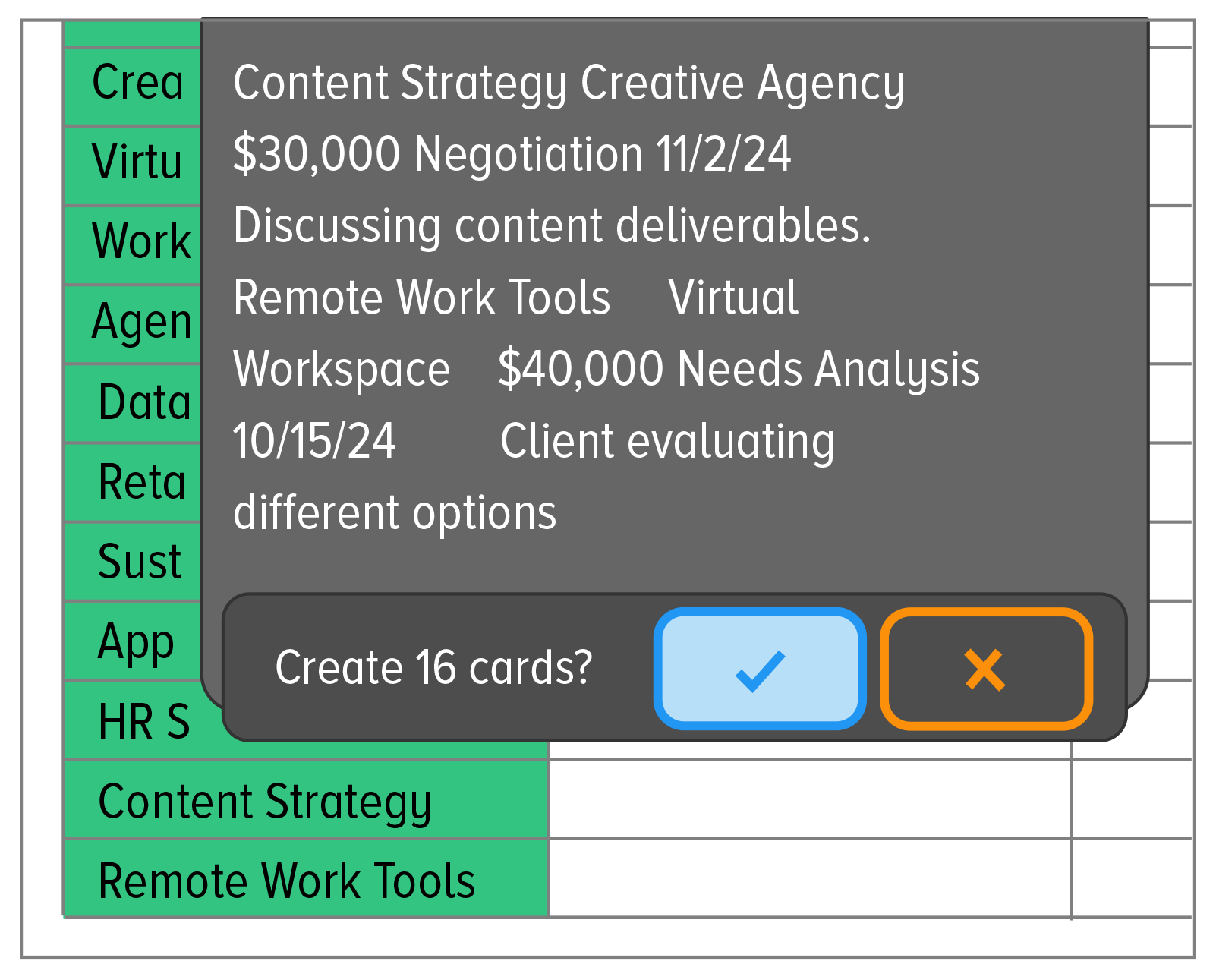
Create multiple cards from a single copy and paste, from either Excel (copying multiple cells) or from and bulleted text list.
You can even view Excel, text documents, and PDFs with Boards itself, with common view options like zoom and rotate.
Statistics
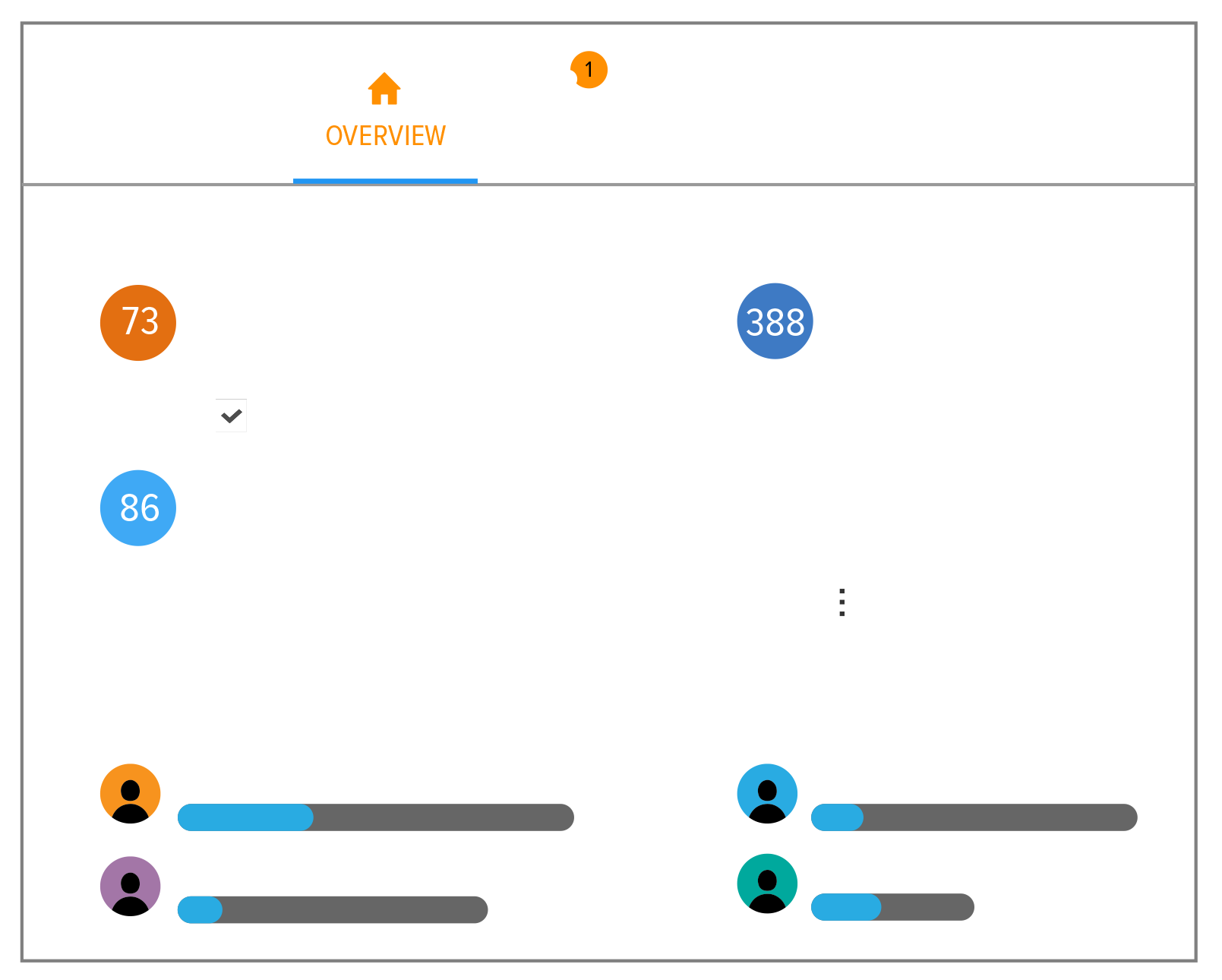
See Usage Statistics related to your Huddles, as well as the general activity of users in Huddo Boards Options.
Admins can control Subscriptions and licenses, as well as access privileges and Content Ownership.
Change Board Themes from light to dark.
Interested in a comprehensive list of features?
View our detailed features page
More from Huddo Boards…
No credit card is required to start | Cancel your subscription at any time
Project views that adapt to you
Four views. One project. Complete flexibility!
Huddo Boards embeds into your digital workspace | Microsoft 365, HCL & in the cloud

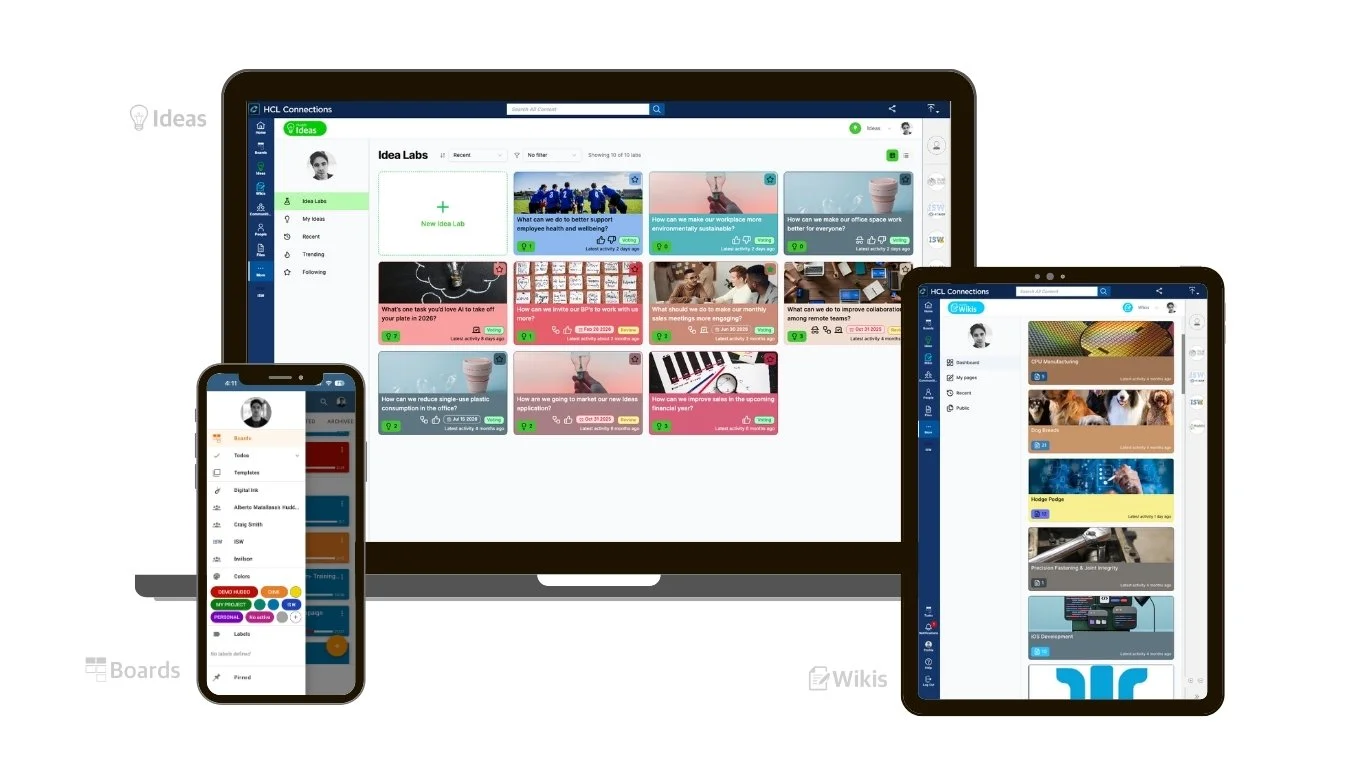

Huddo Suite is developed and supported by ISW, an Australian technology company with over 26 years of experience delivering enterprise software and digital workplace solutions.

Project Management Tool

Innovation & Ideation Tool

Knowledge Management Tool
More of Huddo Suite